Booking app development for classes, sessions, and appointments
Fewer no-shows, fewer double bookings, and no more diary on the counter.
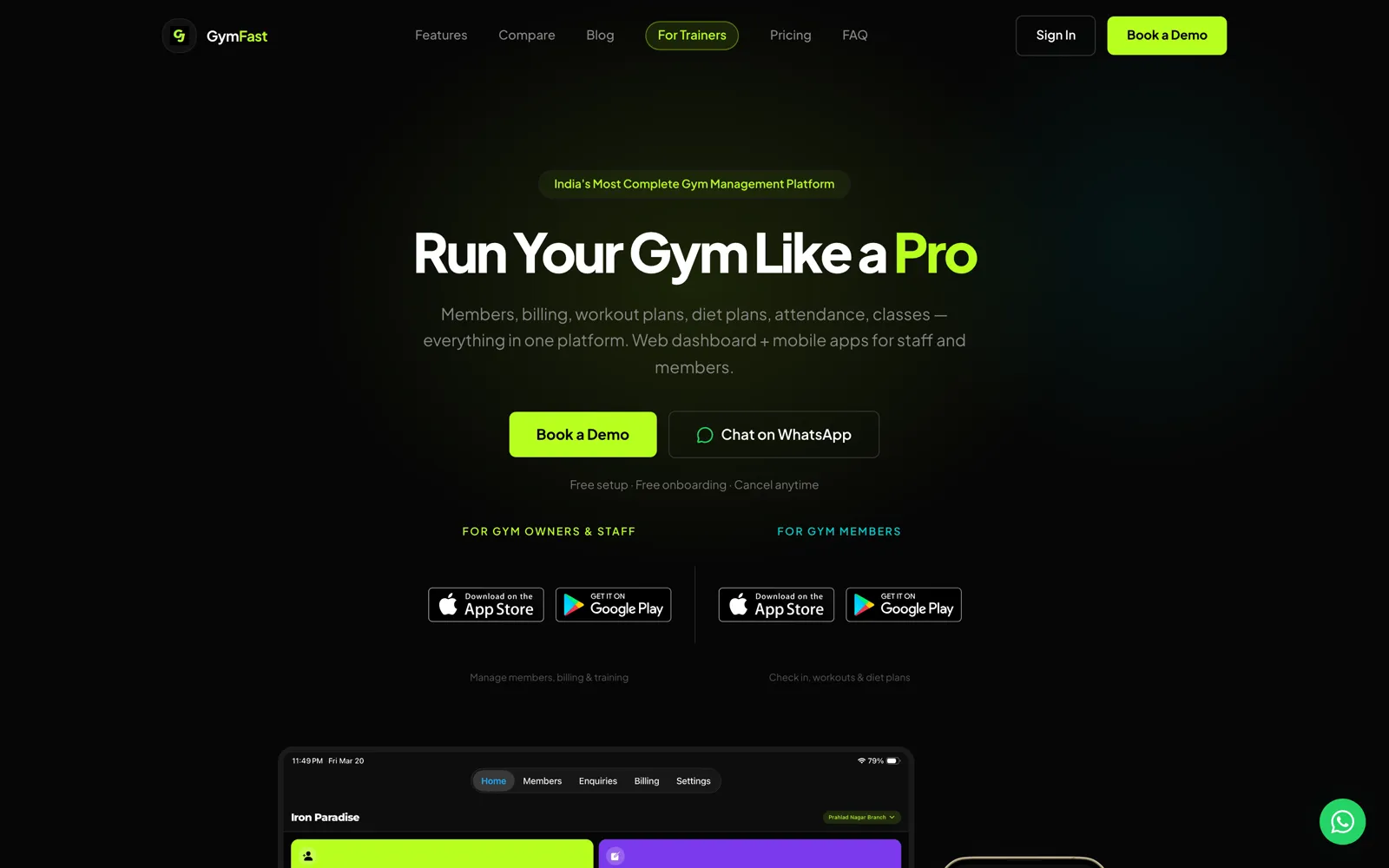
Acasa Labs does booking app development for businesses that run on time slots: classes, one-to-one sessions, appointments, and visits. We build the schedule, the customer side, check-in, and the reminders that cut no-shows. Our own product GymFast runs class schedules, session scheduling, attendance, and reminders for gyms and trainers.
The problem
The diary is on paper, the reminders are on WhatsApp, and the slot is booked twice.
Customers book by calling, messaging, or walking in. Someone writes it down, or forgets to. Two people get the same slot. Reminders go out by hand when there is time, so people forget and do not turn up. Nobody can tell which classes or staff are full and which are empty, so you cannot plan. Generic booking widgets help, but they rarely fit how your sessions, packages, and staff actually work.
What we build
- 01
A schedule that cannot double-book
Classes, sessions, rooms, and staff calendars with capacity, so a slot is either free or taken, never both.
- 02
Booking from the customer's phone
Customers see what is open, book, cancel, or move a booking themselves, inside the rules you set for notice and packages.
- 03
Reminders and check-in
Reminders go out on a schedule before each booking, and check-in by QR code records who actually came.
- 04
A staff view of the day
Who is booked, who has arrived, and what is next, on the front desk and on staff phones.
From production
How scheduling works in GymFast.
Classes and attendance in one place
GymFastGymFast runs classes and attendance alongside members and invoices, across one location or many, so the schedule and the customer record are the same system.
Session scheduling for trainers
GymFastGymFast Pro gives independent trainers client lists, session scheduling, workout logging, and client invoices, for coaches who work without a gym behind them.
Reminders that send themselves
GymFastClass and session reminders, plan expiry, and auto check-out run as scheduled edge functions, so they keep going without a server for anyone to watch.
QR check-in from the member app
GymFastMembers check in with a QR code from an app themed in their gym's colours, so attendance is recorded at the door instead of typed in later.
Honest trade-offs
Calendly, a booking widget, or your own app?
For one person taking appointments, a booking tool like Calendly or the one in your website builder is enough, and we will say so. Build your own when bookings depend on packages or memberships, when rooms, staff, and capacity all have to line up, when you run several locations, or when booking is part of the product you sell to your own customers.
What we reach for
- Expo, React Native
- Next.js
- Supabase Postgres
- Scheduled edge functions
- QR check-in
- Push and email reminders
Proof
Shipped, not pitched.
01Our product
GymFast
Members, billing, classes, and workout plans for a gym, in one platform and three apps.
Gym management software for gym owners and personal trainers. A web dashboard and a staff app run members, plans, invoices, enquiries, and classes; members get their own branded app; GymFast Pro gives independent trainers the same tools for their clients.
Web dashboard · iOS · Android · Staff, member, and trainer apps
Questions
Booking and scheduling questions we get asked.
Can customers book and pay in the same step?
Yes. Payment can be taken at booking through Stripe or Razorpay, or held against a package or membership the customer already has.
How do you prevent double bookings?
Capacity is checked in the database when the booking is saved, not only on the screen, so two people pressing the button at the same moment cannot both get the last place.
Can it send reminders on WhatsApp?
Yes, through the WhatsApp Business API, alongside email and push notifications. Reminders run on a schedule, the way GymFast sends class and session reminders.
Does it sync with Google Calendar?
Staff calendars can sync with Google Calendar or Outlook, so a trainer or consultant sees bookings where they already look.
Can it handle several locations and staff?
Yes. GymFast runs one or many locations from the same dashboard, and a custom build can model your rooms, staff, and rules.
Can customers book without creating an account?
Yes, for one-off appointments, with a name, phone number, and a confirmation link. Regular customers on packages or memberships get an account, so their credits and history follow them.
Booking app development for classes, sessions, and appointments
Tell us how a booking happens today.
Thirty minutes on your slots, staff, and the no-shows. You leave with a written plan: scope, timeline, and a number.