MCP server development
Let ChatGPT, Claude, and Cursor use your product, with permission.
Acasa Labs does MCP server development: remote Model Context Protocol servers that let AI assistants such as ChatGPT, Claude, and Cursor read from and act in your product on a user's behalf. NoteTube's MCP server runs on Cloudflare Workers with OAuth and audience-checked tokens, so an assistant can only read the notes of the student who connected it.
The problem
Your customers are starting to work inside AI assistants.
People now ask an assistant to find a document, summarize a project, or update a record, and they expect it to reach the tools they use. If your product is not one of those tools, the assistant cannot help, or the user pastes data in by hand. MCP is the standard way to fix that. The hard part is not the protocol. It is auth, keeping each user's data scoped, and deciding which actions an assistant may take.
What we build
- 01
Remote MCP servers
Hosted servers that assistants connect to over the network, exposing your product's data and actions as tools and resources.
- 02
OAuth done to the spec
Sign-in through your existing accounts, protected-resource metadata, and tokens checked for the right audience on every call.
- 03
Tools with tight scopes
Read tools first, write tools with clear limits, and each tool restricted to the data its user can already see in your product.
- 04
Built on your existing API
The MCP server calls your backend rather than the database directly, so the rules you already enforce apply to assistants too.
From production
From the MCP server we run.
Remote, on Cloudflare Workers
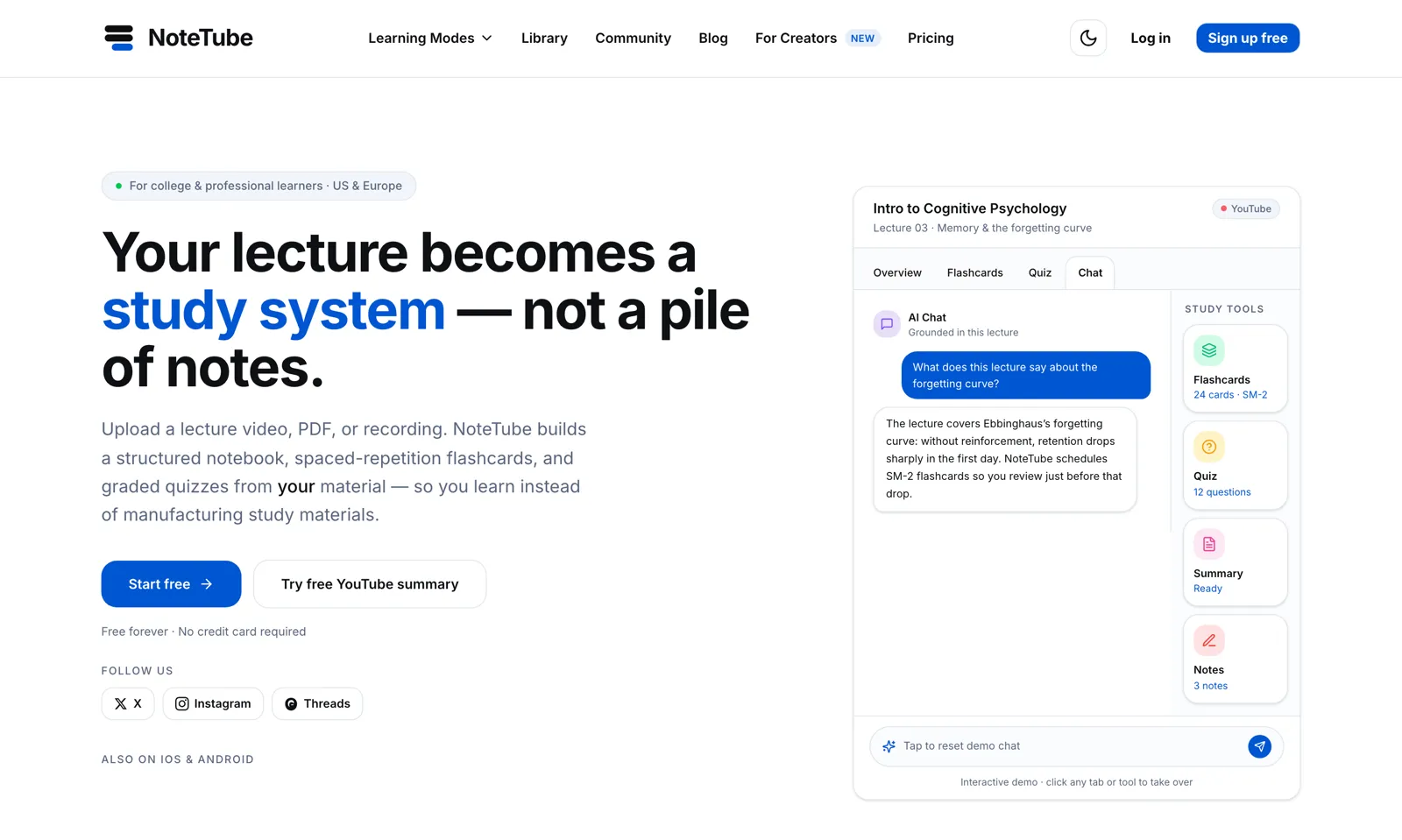
NoteTubeNoteTube's MCP server runs on Cloudflare Workers, one of five surfaces on the same product, so ChatGPT, Claude, and Cursor can query a student's notes.
OAuth with audience-checked tokens
NoteTubeAssistants connect through OAuth with protected-resource metadata, and every token is checked for its audience, so a token issued for another service is refused.
Scoped to one student's material
NoteTubeNoteTube stores each student's sources in Qdrant with per-user, per-session scoping, and an assistant connected through MCP can only read the notes of the student who connected it.
An API to build on
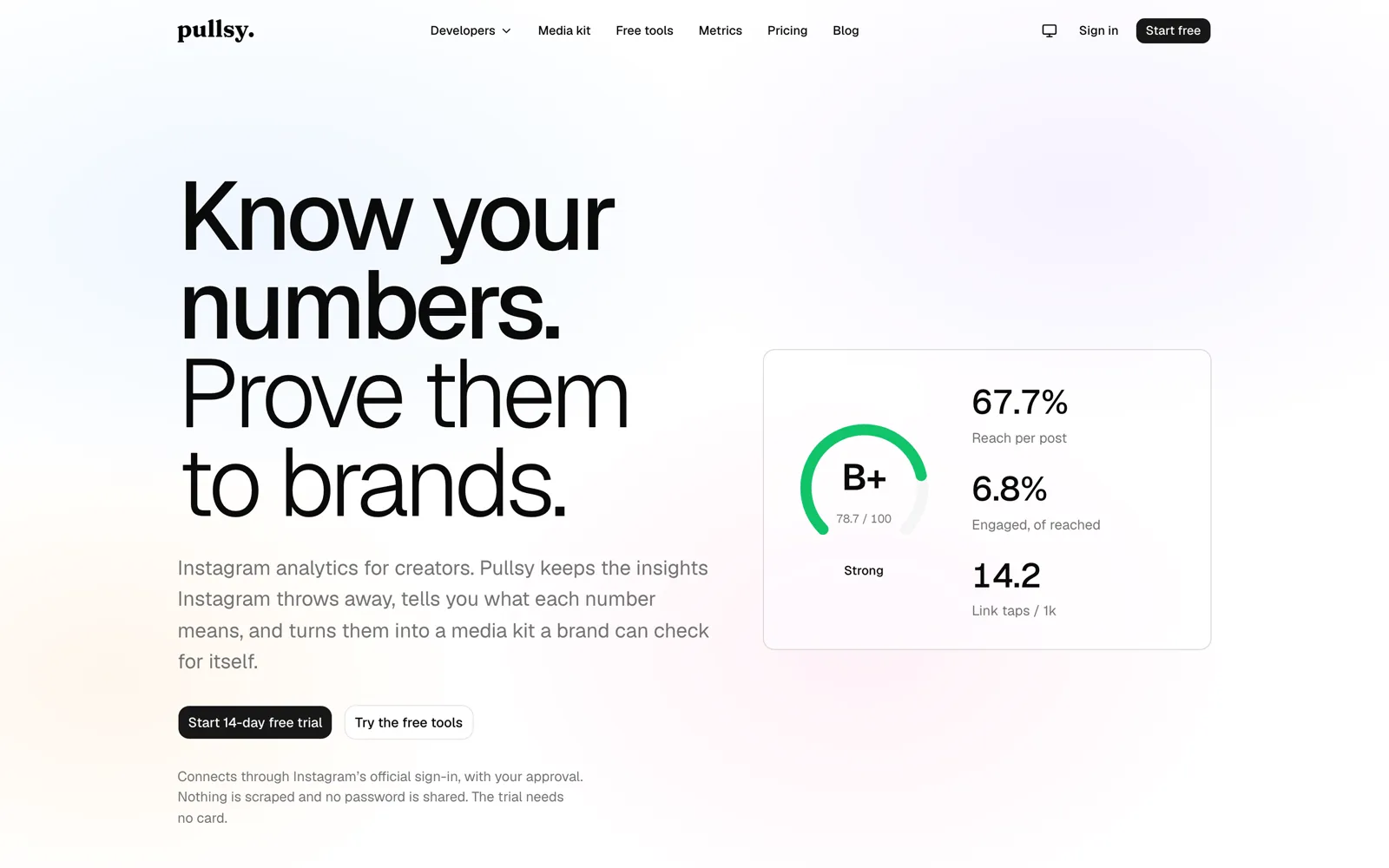
PullsyPullsy already offers a REST API with keys for developers, on top of a pluggable connector registry. A product with a clean API like that is most of the way to an MCP server.
Honest trade-offs
When an MCP server is not worth it yet
If none of your users work in an AI assistant, or your product has no API to build on, start elsewhere: a public API or better exports may help more people today. An MCP server earns its place when users already ask assistants to do things in your product, or when your buyers are developers who live in Cursor or Claude. Once the API exists, it is a contained piece of work, which also makes it a cheap experiment.
What we reach for
- Model Context Protocol
- Cloudflare Workers
- OAuth 2.1, protected-resource metadata
- TypeScript, Python
- FastAPI backends
- Qdrant
- Remote and local transports
Proof
Shipped, not pitched.
01Our product
NoteTube
A lecture becomes a study system: chat, flashcards, quizzes, all grounded in the source.
An AI learning platform that turns PDFs, YouTube lectures, recordings, and notes into a structured notebook with grounded chat, spaced-repetition flashcards, and graded quizzes.
Web · iOS · Android · Chrome extension · MCP server
02Our product
Pullsy
Instagram analytics that keep the numbers Instagram throws away.
Analytics for creators. Pullsy keeps insights Instagram discards after about 90 days, explains what each number means, grades the account, and turns it into a media kit a brand can verify.
Web · iOS (native SwiftUI) · REST API
Questions
MCP server development questions we get asked.
What is an MCP server?
A server that speaks the Model Context Protocol, an open standard for connecting AI assistants to tools and data. It describes what your product can do as tools, and assistants like ChatGPT, Claude, and Cursor call those tools when a user asks.
Local or remote MCP server?
A local server runs on the user's machine and suits developer tools. A remote server is hosted by you, works for any user who signs in, and is what most products need. NoteTube's is remote.
How do users give an assistant access?
They sign in with their existing account through OAuth and approve the access. The assistant gets a token for that user, and your server checks it on every call.
Can the assistant change data, or only read it?
Both are possible. We usually start with read tools, then add write tools one at a time, each limited to what the user could do in your app, and each call logged.
Do we need an API first?
It helps a lot. The MCP server should call your existing backend so your permissions apply. If you do not have an API, we build the parts the MCP server needs, and your other clients can use them too.
Which assistants will it work with?
Any client that supports remote MCP servers. NoteTube's works with ChatGPT, Claude, and Cursor. Client support changes quickly, so we test against the assistants your users actually have.
MCP server development
Would your users ask an assistant to use your product?
Tell us what they would ask it to do. We will tell you which tools the MCP server needs and how auth would work.