Expo app development
The Expo toolchain, run by people who ship to both stores.
Acasa Labs builds iOS and Android apps with Expo. We set up the project, the builds, the store releases, and the update channel, then write the app on top. GymFast, NoteTube, and Kraftr all ship Expo apps alongside a web app. Your Expo organization and both store accounts stay in your name.
The problem
Most mobile delays are toolchain delays.
Signing certificates that expired, a build that only works on one laptop, a store rejection over a missing permission string, a one-line fix that waits days for review. None of it is the product, and all of it holds the product up. Expo removes most of that work: hosted builds, managed signing, app config in one file, and over-the-air updates for JavaScript fixes. It still needs someone who knows where its edges are and plans the native parts before they turn into a surprise in week ten.
What we build with Expo
- 01
A new Expo app, set up to last
TypeScript, Expo Router, separate builds for development, staging, and production, and a monorepo when a web app shares the types and the API client.
- 02
Builds and store releases
EAS Build and Submit for the App Store and Google Play, with tracks for internal testers, beta users, and production.
- 03
Over-the-air updates
JavaScript fixes shipped to users through EAS Update, with store builds kept for native changes, so a hotfix does not wait on app review.
- 04
Native modules when Expo stops
Config plugins and custom native modules for the parts Expo does not cover, written for that part only, not as a reason to leave Expo.
From production
How our Expo apps are built.
Three Expo apps in one monorepo
GymFastGymFast ships separate apps for gym staff, for members, and for independent trainers from one Turborepo monorepo, all on the same backend as the web dashboard. Shared code lives in one place, and each app is built for one kind of user.
A gym's brand in the member app
GymFastOne setting in the web dashboard themes the member app in the gym's own colors, so members open an app that looks like their gym.
Workouts saved on the phone
GymFastAn in-progress workout is saved on the device, so a dropped connection on the gym floor does not lose the session.
One product, five surfaces
NoteTubeNoteTube's Expo app for iOS and Android sits next to a Next.js web app, a Chrome extension, and a remote MCP server. Subscriptions in the app go through RevenueCat, and a scheduled job reconciles them with Stripe on the web.
A web studio, in the pocket
KraftrKraftr's companion mobile app carries the studio a brand uses on the web: wardrobe, model library, scenes, collections, shot lists, and credit packs.
Honest trade-offs
When Expo is not the right choice
If most of the app is platform features, like widgets, deep background work, or heavy on-device processing, write it native. Pullsy's iOS app is SwiftUI. And Expo is how we build React Native apps; it does not decide whether React Native fits your product in the first place. That question, React Native versus Flutter or fully native, is covered on our React Native page.
What we reach for
- Expo SDK, Expo Router
- EAS Build, Submit, Update
- React Native, TypeScript
- Turborepo
- RevenueCat
- Config plugins, native modules
Proof
Shipped, not pitched.
01Our product
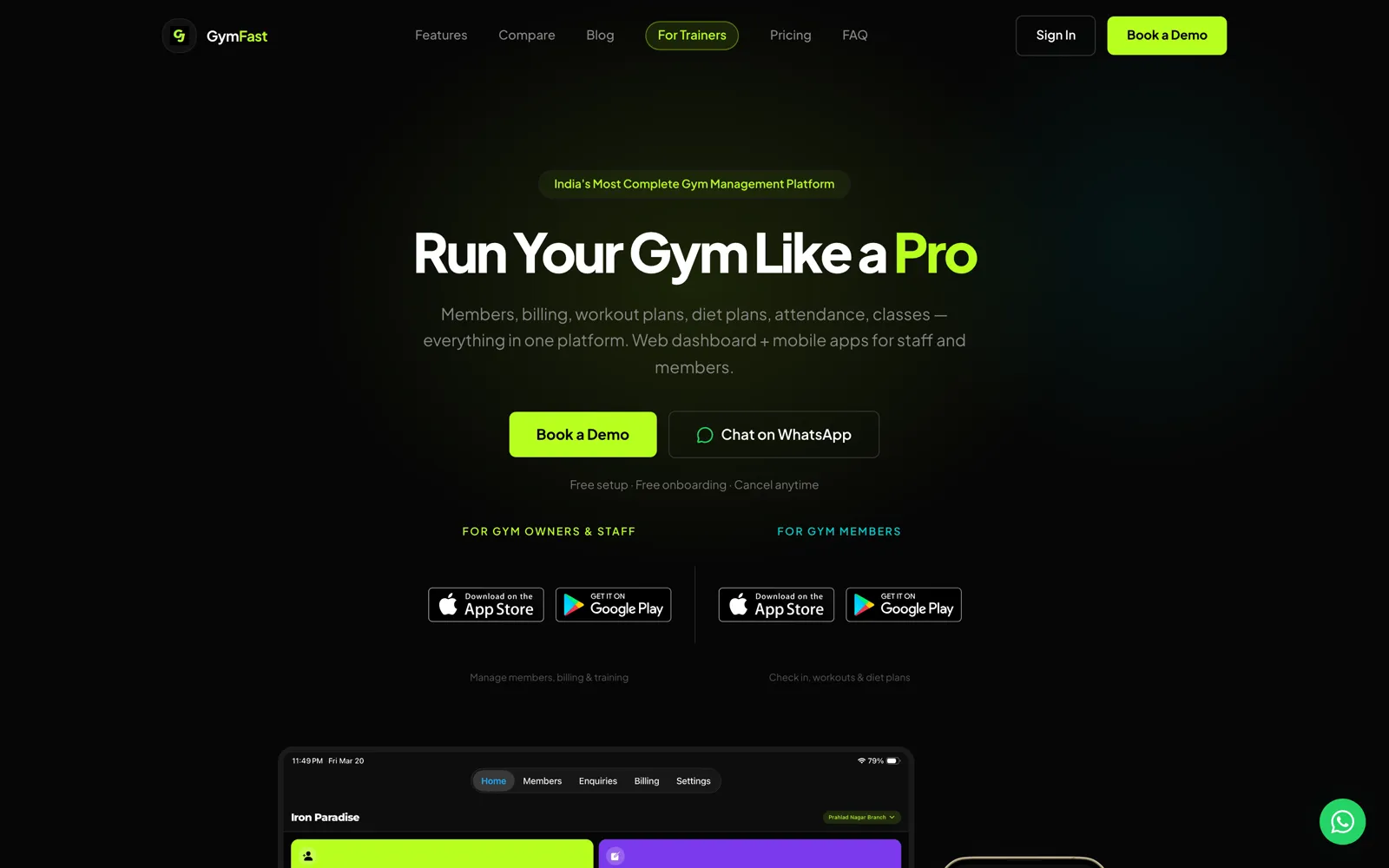
GymFast
Members, billing, classes, and workout plans for a gym, in one platform and three apps.
Gym management software for gym owners and personal trainers. A web dashboard and a staff app run members, plans, invoices, enquiries, and classes; members get their own branded app; GymFast Pro gives independent trainers the same tools for their clients.
Web dashboard · iOS · Android · Staff, member, and trainer apps
02Our product
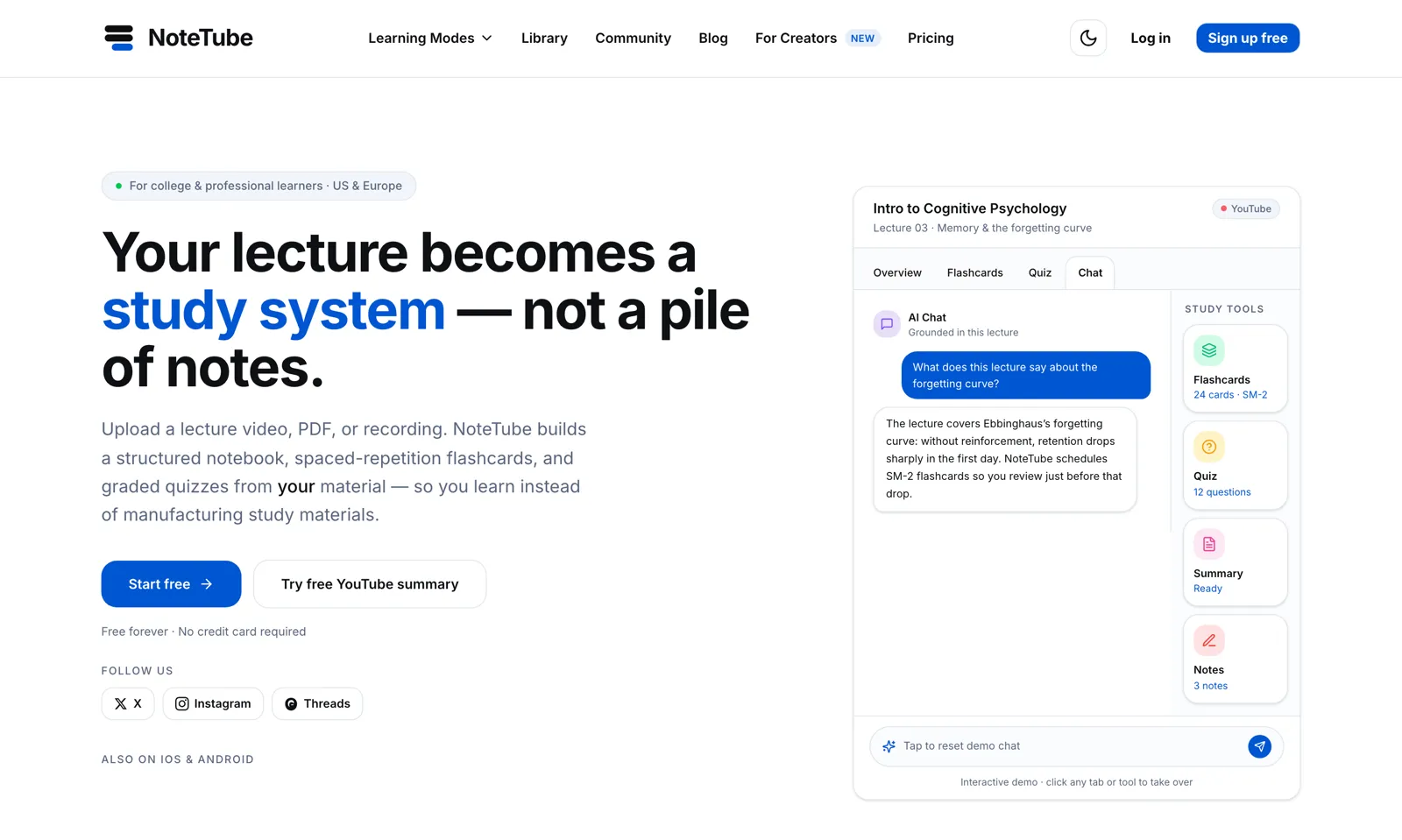
NoteTube
A lecture becomes a study system: chat, flashcards, quizzes, all grounded in the source.
An AI learning platform that turns PDFs, YouTube lectures, recordings, and notes into a structured notebook with grounded chat, spaced-repetition flashcards, and graded quizzes.
Web · iOS · Android · Chrome extension · MCP server
03Our product
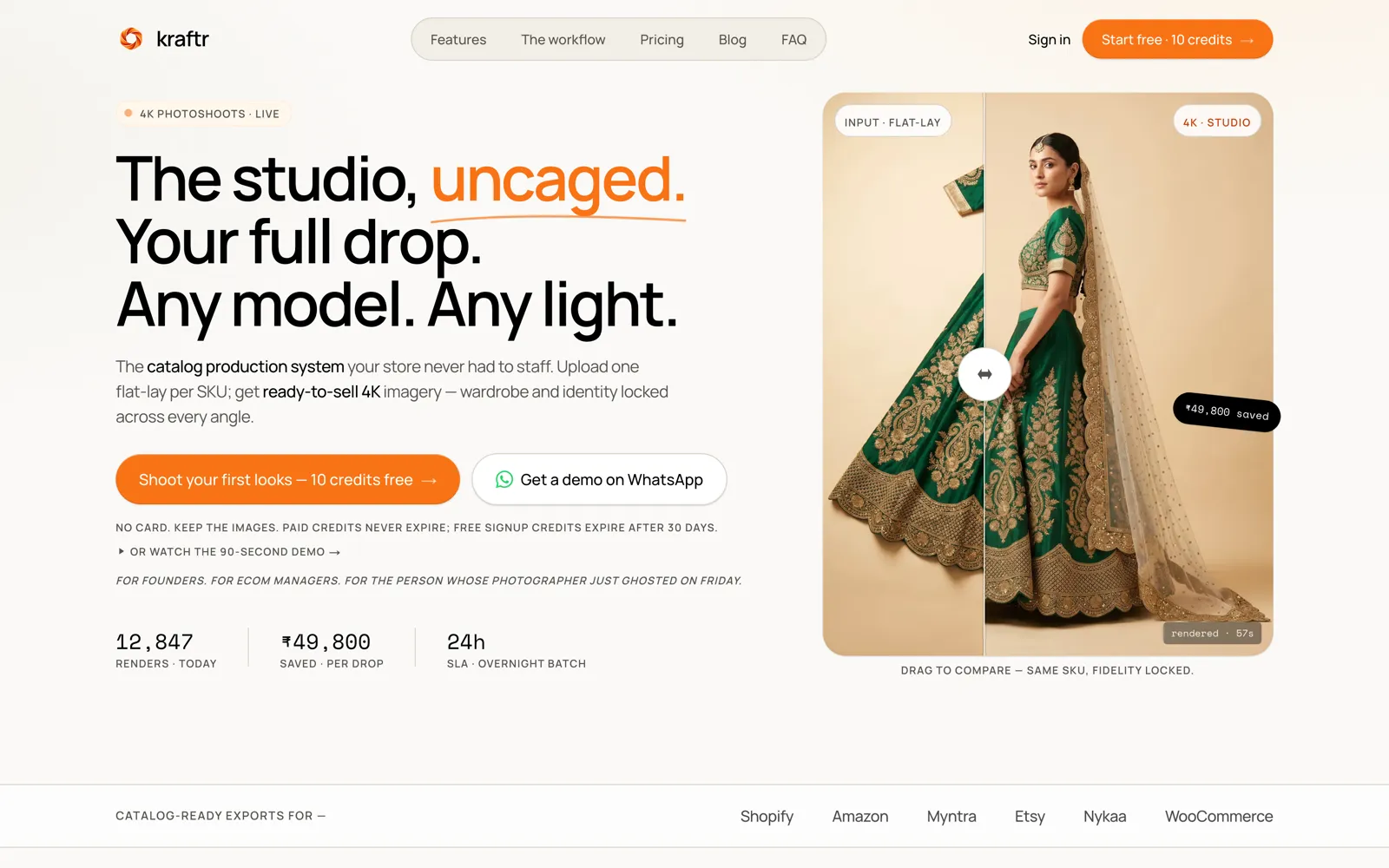
Kraftr
One flat-lay photo becomes catalog-ready 4K on-model imagery.
An AI catalog studio for fashion and jewelry brands. Upload one flat-lay or hanger shot per SKU and get on-model imagery at up to 4K, in ten aspect ratios, sized for Amazon, Myntra, Flipkart, and Shopify.
Web · iOS · Android
Questions
Expo questions we get asked.
Is Expo only for prototypes?
No. Expo is how GymFast, NoteTube, and Kraftr ship to the App Store and Google Play. Expo apps are React Native apps, and you can add custom native code with config plugins or a development build when you need it.
Can you move our bare React Native app to Expo?
Usually, yes. We list the native libraries you use, check which have Expo support or a config plugin, move the build to EAS, and keep the app releasable at every step.
What can an over-the-air update fix?
JavaScript and asset changes: copy, layout, logic, and most bug fixes. Anything that touches native code, permissions, or the Expo SDK version still needs a store build and review.
Who owns the Expo and store accounts?
You do. We work inside your Expo organization, Apple Developer account, and Google Play console, so builds, signing keys, and listings stay with you if we part ways.
Do you handle App Store and Play Store submission?
Yes: store listings, screenshots, privacy details, review notes, and replies to rejections, for the first release and every one after it.
Expo app development
An Expo app in both stores. Let's scope it.
Tell us who uses the app and what they do in it. We will come back with what we would build first and how releases would work.