App Store submission and rejection help
Rejected? Send us the email from Apple.
Acasa Labs handles App Store submission for iOS apps and Google Play releases for Android: signing, store listings, review notes, in-app purchase setup, and the fixes when a build is rejected. We publish our own apps under the same rules, including GymFast's three apps, NoteTube, Kraftr, and Pullsy's native iOS app.
The problem
The app works. The store says no.
A rejection usually arrives days before a launch you have already announced. The reason is often small and specific: no way to delete an account, a sign-in rule, a payment flow that skips in-app purchase, a listing that promises something the app does not do, or a crash on a device you did not test. The fix is rarely hard, but knowing exactly what the reviewer wants, and how to reply, saves rounds of resubmission.
What we build
- 01
First submission, done right
Developer accounts, certificates and signing, privacy labels, data safety forms, screenshots, and review notes with a demo account, ready before the first upload.
- 02
Rejection fixes
We read the rejection, find the guideline behind it, change the app or the listing, and write the reply to the reviewer.
- 03
In-app purchases that pass review
Subscriptions and purchases through StoreKit and Google Play Billing, with restore purchases, clear terms, and a paywall that follows the rules.
- 04
A release process you can repeat
TestFlight and Play testing tracks, staged rollouts, and over-the-air updates for fixes that do not need a new review.
From production
From apps we publish.
Three apps, one codebase
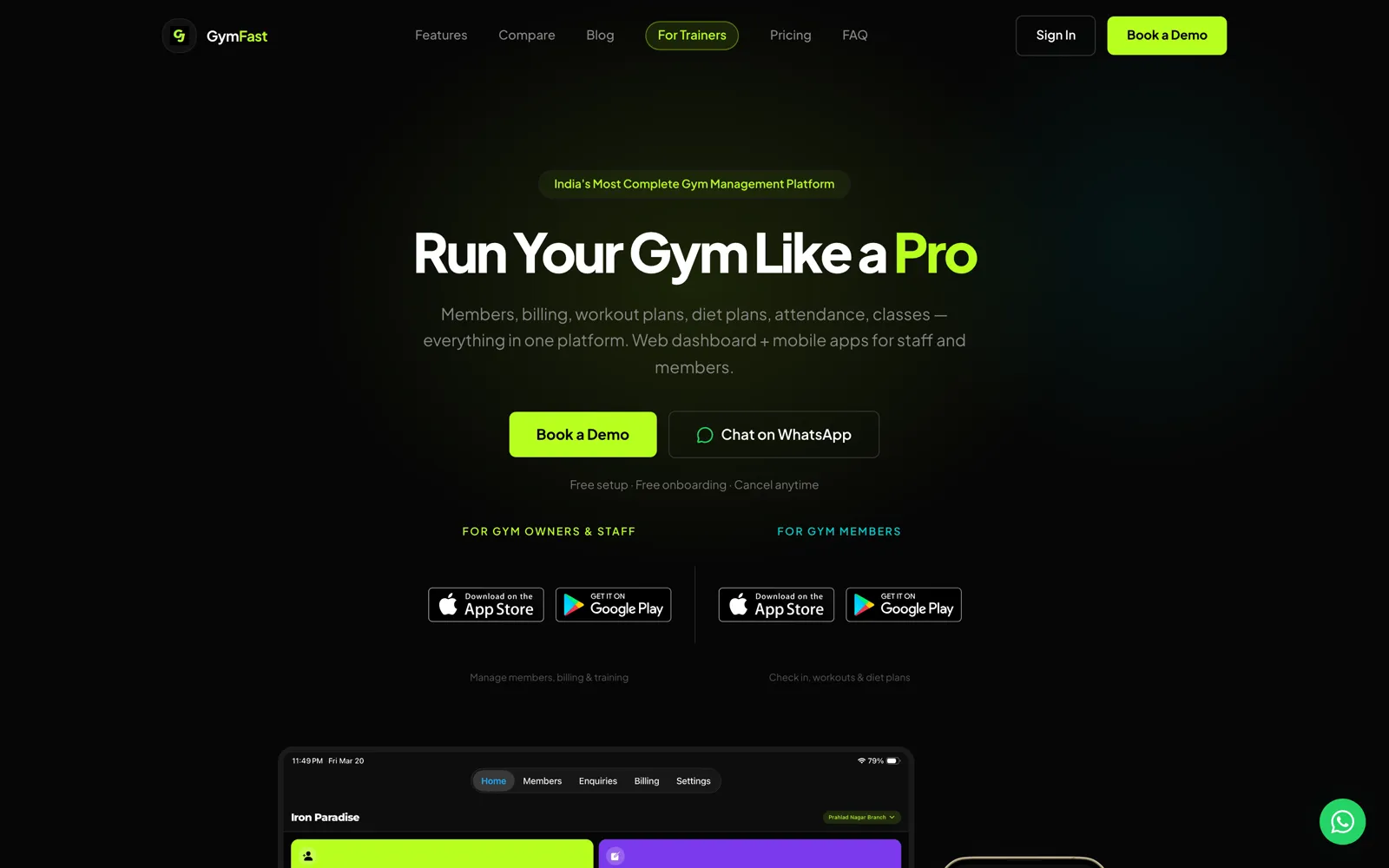
GymFastGymFast publishes separate staff, member, and trainer apps for iOS and Android from one Expo codebase, on a shared token-authenticated mobile API.
Payments the way each store requires
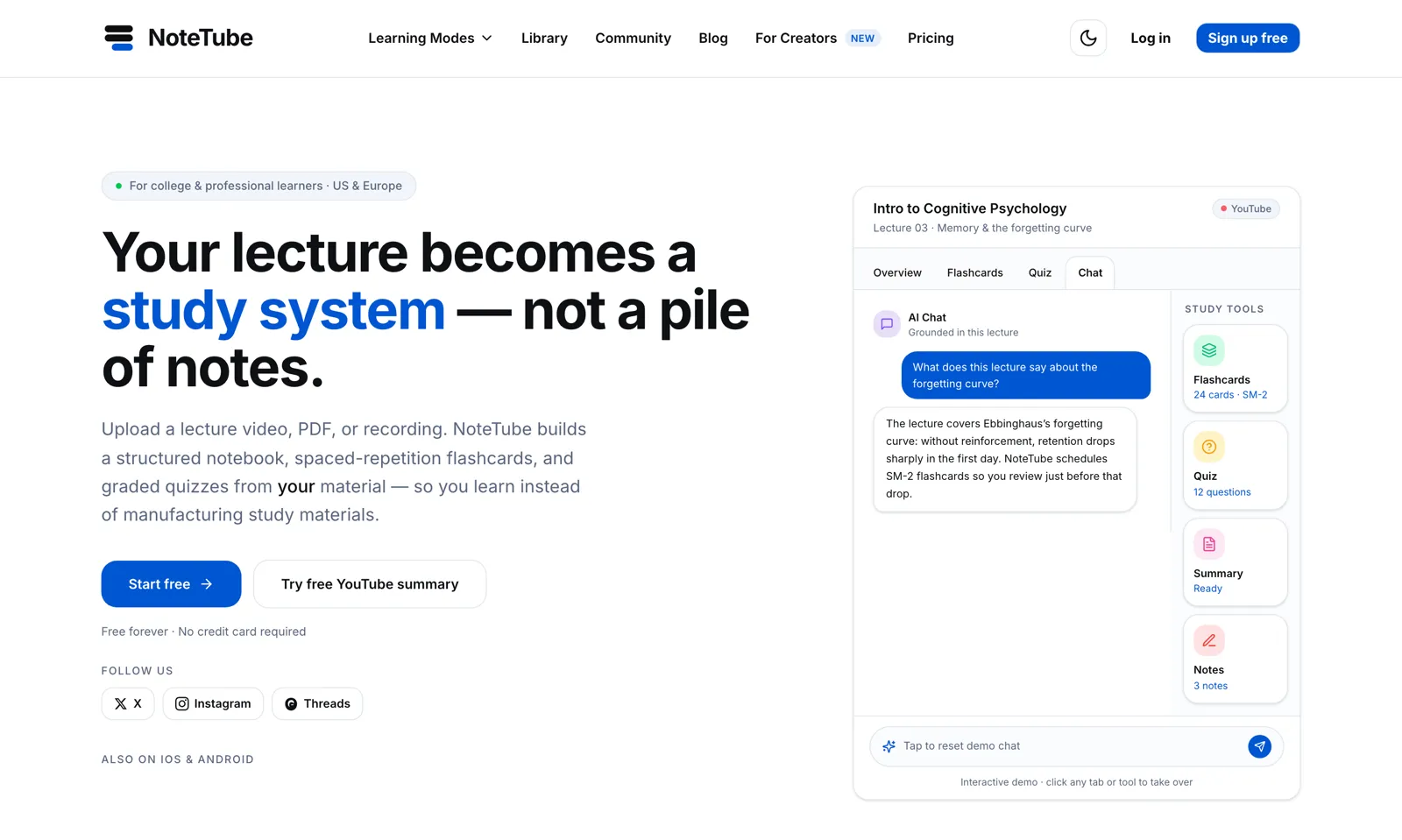
NoteTubeNoteTube sells subscriptions through RevenueCat in its iOS and Android apps and through Stripe on the web, and a scheduled job reconciles the two so access matches what the student paid for.
A native iOS app
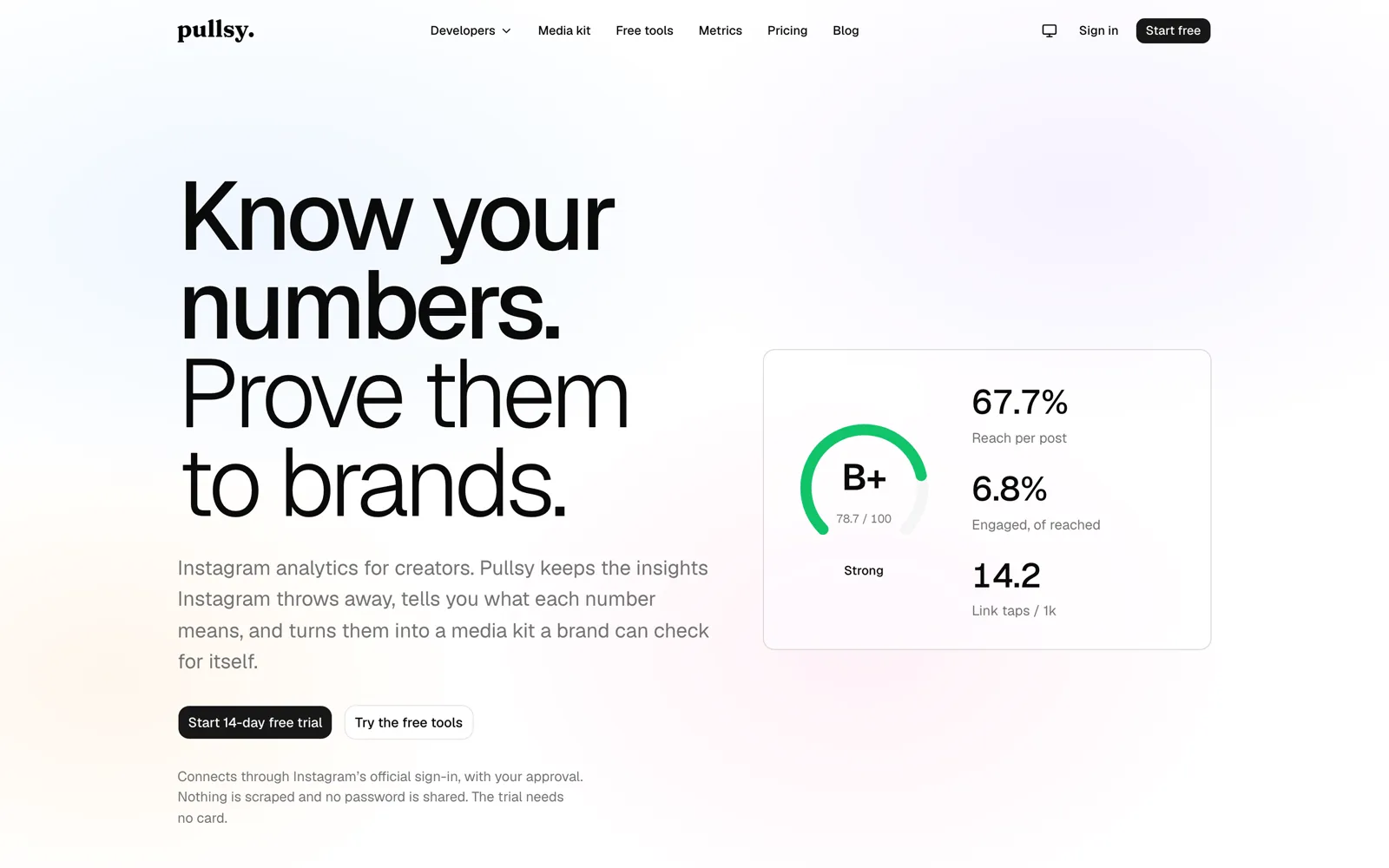
PullsyPullsy's iOS app is native SwiftUI on iOS 17 and up, with push notifications when something in an account changes.
Moderation before anything is shown
KraftrKraftr runs prompt checks and safety settings on every generation. Any app that shows AI-generated or user-generated content needs that kind of control before a reviewer will approve it.
Honest trade-offs
When the problem is not the submission
Some rejections are a symptom: an app that crashes on older devices, a business model that conflicts with the store's payment rules, or a web wrapper with too little native function to be approved. If that is the case, we will tell you, and say what change to the app or the plan would get it through. We will not help hide a feature from the reviewer. That gets apps removed later.
What we reach for
- App Store Connect, TestFlight
- Google Play Console
- Expo EAS Build and Submit
- StoreKit, Google Play Billing
- RevenueCat
- Expo over-the-air updates
- Sentry
Proof
Shipped, not pitched.
01Our product
GymFast
Members, billing, classes, and workout plans for a gym, in one platform and three apps.
Gym management software for gym owners and personal trainers. A web dashboard and a staff app run members, plans, invoices, enquiries, and classes; members get their own branded app; GymFast Pro gives independent trainers the same tools for their clients.
Web dashboard · iOS · Android · Staff, member, and trainer apps
02Our product
NoteTube
A lecture becomes a study system: chat, flashcards, quizzes, all grounded in the source.
An AI learning platform that turns PDFs, YouTube lectures, recordings, and notes into a structured notebook with grounded chat, spaced-repetition flashcards, and graded quizzes.
Web · iOS · Android · Chrome extension · MCP server
03Our product
Pullsy
Instagram analytics that keep the numbers Instagram throws away.
Analytics for creators. Pullsy keeps insights Instagram discards after about 90 days, explains what each number means, grades the account, and turns it into a media kit a brand can verify.
Web · iOS (native SwiftUI) · REST API
Questions
App Store submission questions we get asked.
Can you help if our app was built by someone else?
Yes. Send us the rejection message and access to the code or the build. We find the guideline it cites, tell you what has to change, and make the change if you want us to.
How long does App Store review take?
Apple and Google set review times, not us, and they vary. What we control is the number of rounds: a complete submission with clear review notes and a working demo account avoids most of the back-and-forth.
Do we need our own developer accounts?
Yes. Apps should be published under your Apple Developer and Google Play Console accounts, in your company's name. We work in them as team members, so you own the listing and its reviews.
Why was our app rejected for payments?
Usually because digital goods or subscriptions sold inside the app must go through Apple's or Google's in-app purchase system. We set that up, often through RevenueCat, and keep it in sync with any web billing you run.
Can you fix bugs without another review?
For Expo apps, fixes that change only JavaScript and assets can ship as over-the-air updates. Changes to native code, permissions, or in-app purchases still need a new build and a review.
App Store submission and rejection help
Stuck in review, or about to submit?
Send us the rejection email or the build you are about to upload. We will tell you what the reviewer will look for and what to change.